
Use clips with a shared purpose
A set of related clips is easier to shape into a coherent video than unrelated recordings. Leave out material intended for a separate post.
TIGHTENAI FOR IPHONE
A product demo or tutorial does not have to come from one perfect recording. Bring related clips into TightenAI, create a combined cut, and review the story as one video.
Cloud AI processing requires a subscription. Review the plan and trial terms before purchase.
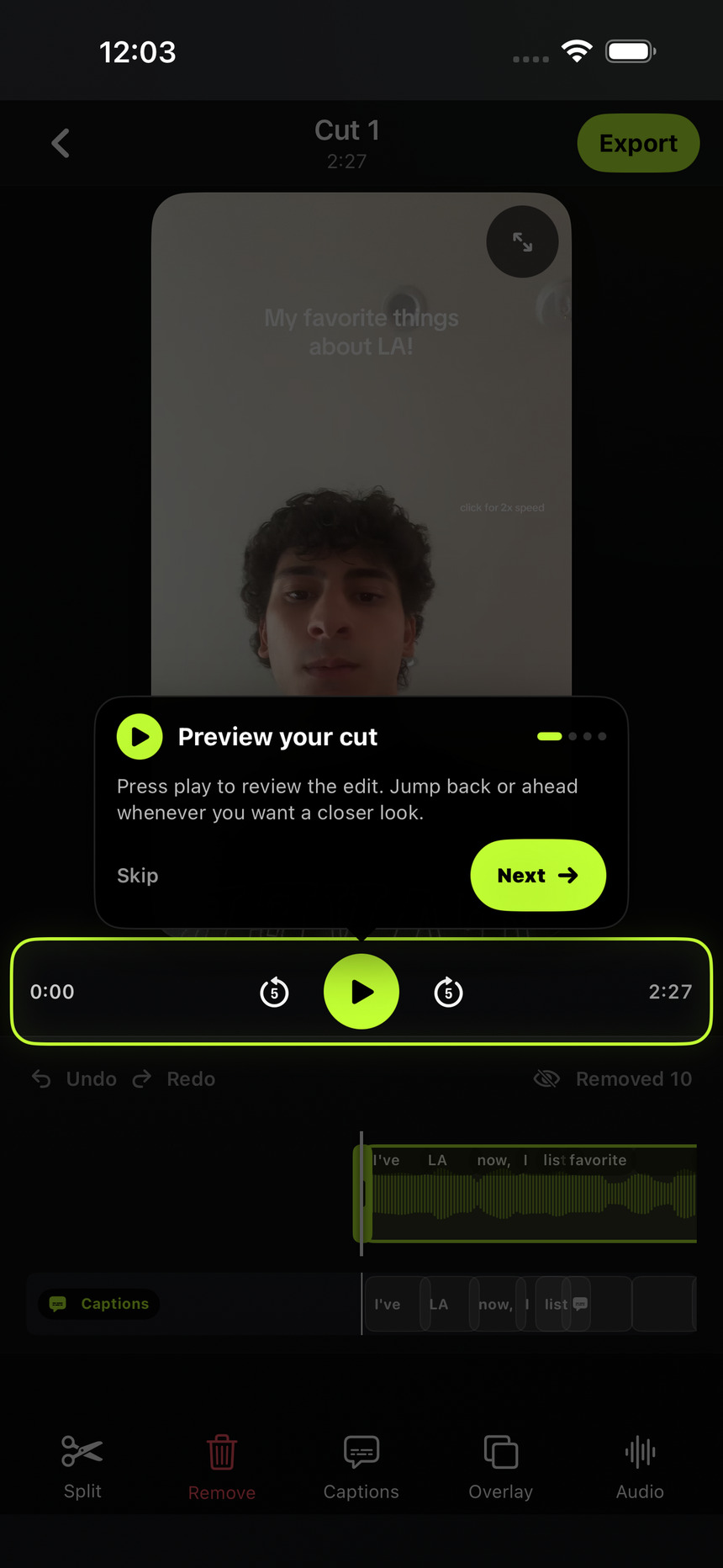
Combine an introduction, a demonstration, and a closing thought, or work with several attempts at the same message. Choose clips that belong to the same finished video. The automatic edit is a starting point; check the sequence and meaning yourself before posting.
HOW IT WORKS
Select up to 12 clips for one combined video. Keep the total duration at 15 minutes or less and the total file size at 1 GB or less across the entire selection. These limits are not per clip.
Let TightenAI process the footage, then watch the full edit. Check that references make sense, the introduction comes before the details it explains, and repeated takes do not interrupt the story.
Use the editor to trim, split, remove, or restore sections. Adjust the framing for portrait or landscape, add captions, and export the finished sequence as one MP4.
BEFORE YOU POST
A set of related clips is easier to shape into a coherent video than unrelated recordings. Leave out material intended for a separate post.
Listen for missing context, repeated sentences, and abrupt changes in audio. Keep a complete thought on each side of a transition.
The first clip sets the canvas. Clips with a different aspect ratio may be center-cropped when combined. Review the framing so faces, products, and on-screen details remain visible.
You can select up to 12 clips for a combined video, with 15 minutes total duration and 1 GB total file size at most. Both limits apply to the whole selection.
No. It applies to the combined duration of all clips in one upload. For example, three six-minute clips exceed the limit.
One completed automatic edit uses one credit. Multiple clips processed together into one combined cut count as one edit, not one credit per source clip.
Yes. Review the timeline, trim or split sections, and restore footage that was removed. Always watch the complete result to confirm the sequence and wording make sense.
Choose your plan on the website, then sign in with the same account in the iPhone app.
See plans and trial detailsAlready subscribed? Get the iPhone app ↗