REMOVE
- Long pauses
- False starts
- Repeated takes
- Filler words
Upload one video or combine several clips. TightenAI removes false starts, filler words, long pauses, and repeated takes. Review the edit, add captions, and export from your iPhone.

01 / THE PRODUCT
TightenAI analyzes your footage, removes the parts you do not need, and opens the result in an editor. Nothing is final until you export.
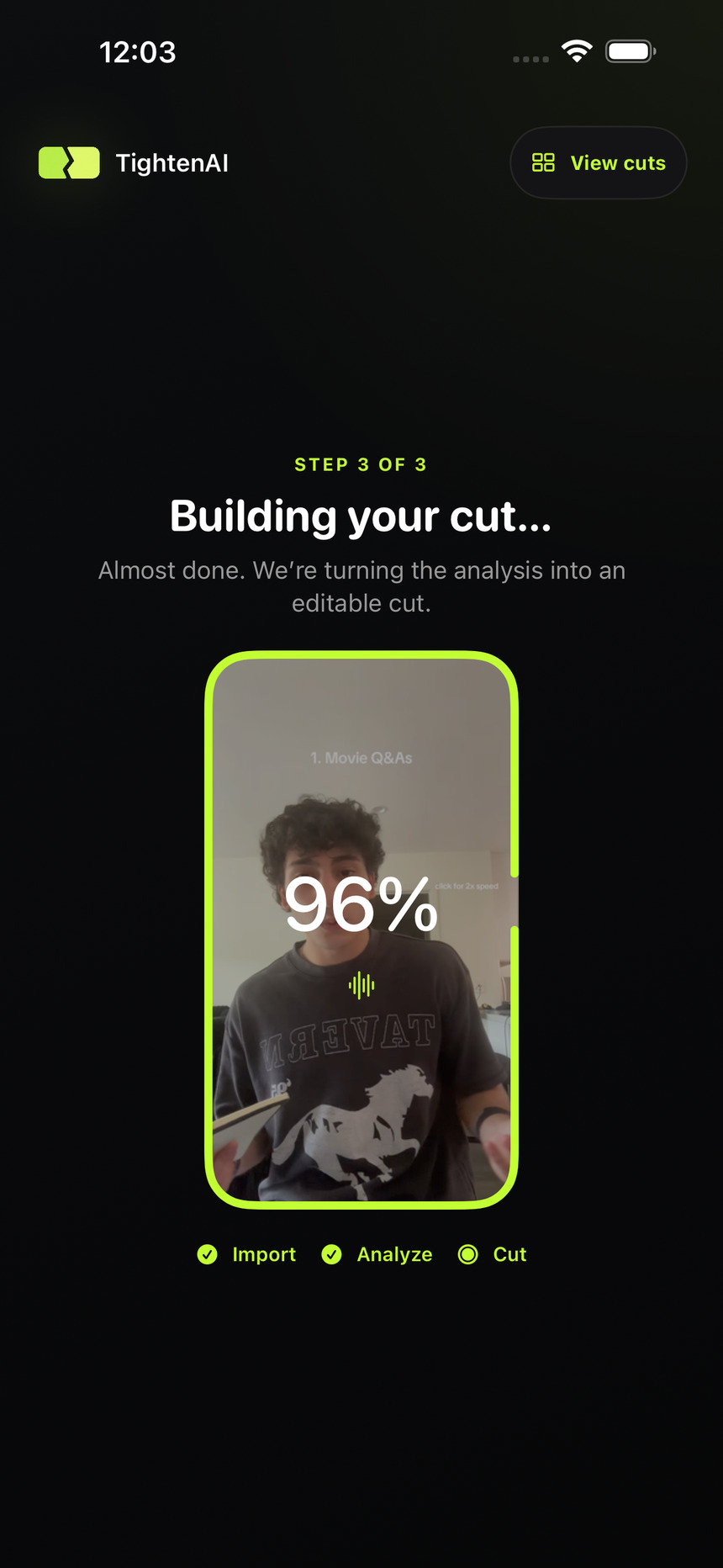
Choose one video or combine several clips. Upload them as they are.
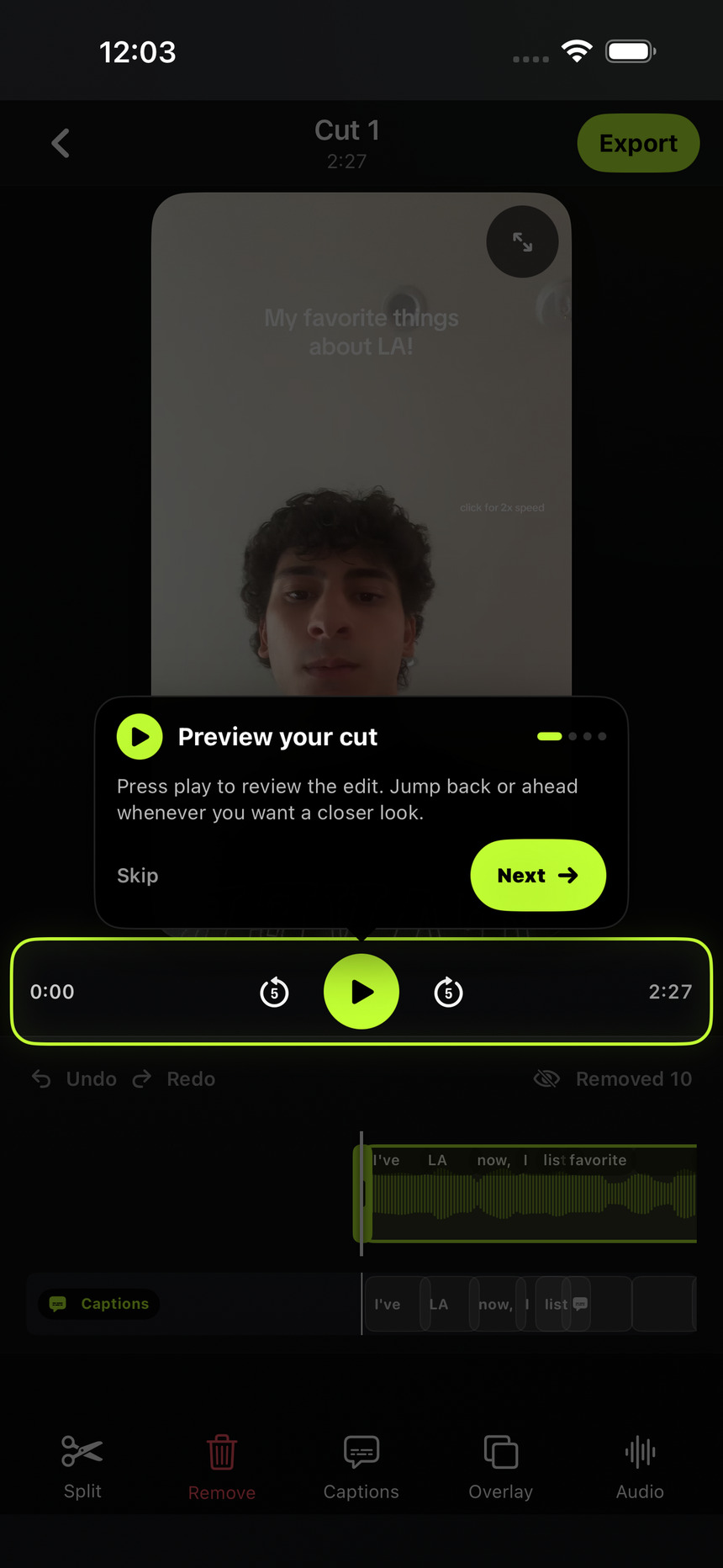
See what was removed and restore anything you want to keep.
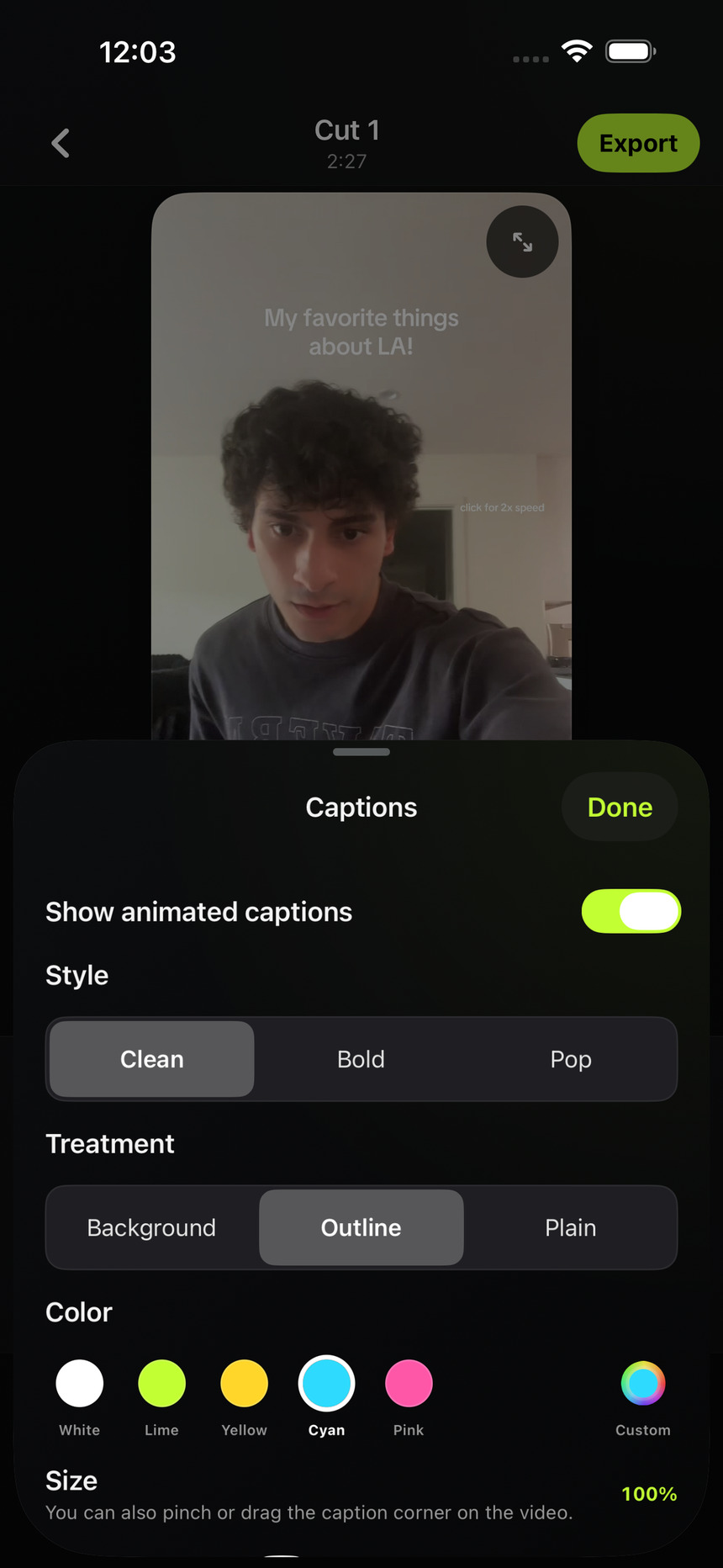
Trim clips, edit captions, add overlays, adjust audio, and export.
A CLOSER LOOK
LESS MANUAL EDITING
TightenAI handles the repetitive first pass so you can spend more time creating and less time cutting footage.
02 / COMPARE
Compare editing yourself, hiring an editor, and letting TightenAI handle the first pass.
Your time
Project fees
Monthly plan
Edit every cut
Briefs and feedback
Review and export
Hours
Days
Minutes
Make them yourself
Request revisions
Change them now
Limited by your time
Limited by availability
Upload as you film
03 / THE CUT
REMOVE
PROTECT
04 / YOUR FOOTAGE
TightenAI uploads a temporary processing copy to create your edit, then deletes that copy after processing. Your original and editable project stay on your iPhone. We do not sell your data or use it for advertising or tracking.
See privacy details05 / PLANS
Every plan includes the editor, exports up to 4K, and a three-day free trial with full feature access. Fair-use processing limits apply during the trial. One completed automatic edit uses one credit.
Continue with Apple or Google.
Choose a plan on the secure website checkout.
Sign in with the same account and your plan is ready.
For creators who publish every week.
100video edits each month
For creators who publish most days.
300video edits each month
For teams and high-volume creators.
1,000video edits each month
Launch pricing shown in USD. Final price, tax, and trial eligibility are shown before purchase in the app or secure web checkout.
06 / QUESTIONS
TightenAI looks for false starts, filler words, long pauses, repeated takes, and sections that do not add to your message. You can review and restore every cut before you export.
Yes. Preview everything TightenAI removed, restore any section, trim or split clips, edit captions, add overlays, adjust audio, and undo changes.
TightenAI uploads a temporary processing copy to create your edit. That copy is deleted after processing, while the original and editable project remain on your iPhone.
Export an MP4 at 480p, 720p, 1080p, or supported 4K. Keep the source frame rate or choose 24, 30, or 60 fps. TightenAI does not add a watermark.

Ready to spend less time editing?